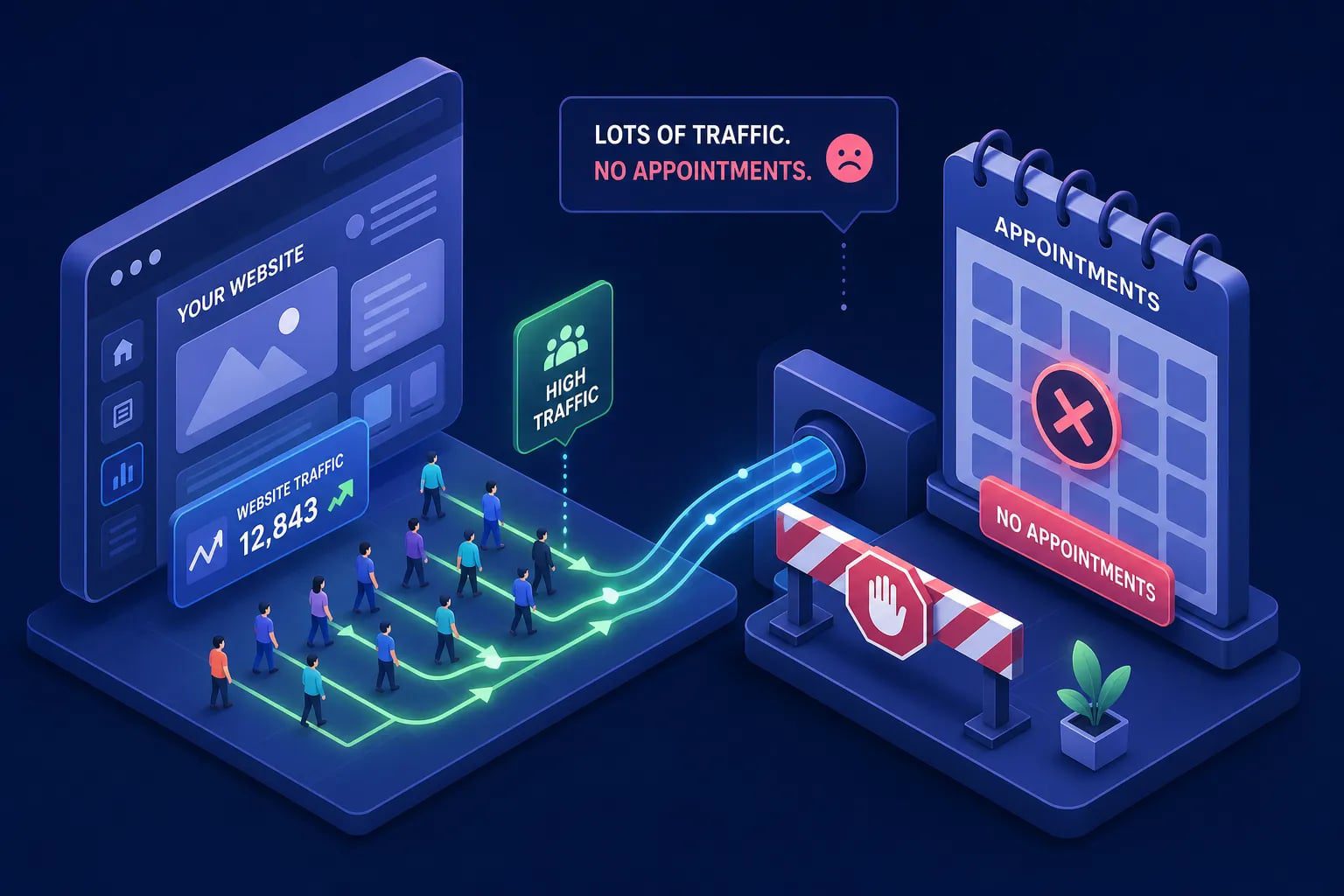
My website gets traffic but no appointments, you open Google Analytics, and the numbers look decent. Traffic is up. Sessions are climbing. But your booking calendar is sitting empty, and the phone isn’t ringing. That gap, between a site that gets visitors and a site that actually generates appointments, is one of the most frustrating problems a clinic owner or service business can face in Egypt. The instinct is to blame the marketing. The reality is almost always something else entirely.
This is a conversion problem, not a traffic problem. For healthcare and medical sites in Egypt, the typical benchmark sits between 1.5% and 3.5% of visitors converting into appointment requests. A site pulling 1,000 visitors a month should realistically generate 15 to 35 bookings. If yours isn’t close to that, something inside the funnel is broken, and more traffic won’t fix it. This article walks you through the exact diagnostic: the top conversion killers, a prioritized set of fixes, and three concrete tests you can run within the next 30 days.
Why My Website Gets Traffic But No Appointments
When appointment numbers are low, the first instinct is to push harder on ads or pour more budget into SEO. That logic backfires when the problem is upstream. Sending more visitors into a leaky funnel doesn’t generate more bookings. It generates more wasted spend. The path from landing page to confirmed appointment is a funnel, and every broken step in that path multiplies the damage downstream.
What your numbers are actually telling you
If 1,000 people visit your site and none of them book, the issue is most likely on-site friction rather than audience quality. The right people landed and left before they could act. Compare your actual booking numbers against the Egypt healthcare benchmark of 1.5% to 3.5%. If you’re converting at 0.3% or 0.5%, you’re not dealing with a traffic quality issue. You’re dealing with a site that isn’t giving visitors a clear, frictionless path to book.
Why the traffic-only mindset keeps service businesses stuck
Consider the math: a site converting at 1% with 2,000 monthly visitors gets 20 bookings. A site converting at 3% with 1,000 visitors gets 30 bookings. Same budget, 50% fewer visitors, 50% more appointments. The difference is entirely in the site itself. The rest of this article is a checklist of exactly what to audit and fix, starting with the issues that cost you the most conversions.
Slow Load Times Are Silently Rejecting Your Visitors
Page speed is not a technical vanity metric. For appointment-driven sites, it is a direct conversion barrier. Booking pages that load in under 3 seconds on mobile consistently outperform slower alternatives. Many medical and service-based websites load far slower than this on mobile, which means a significant share of visitors bounce before they ever see the CTA or the booking form. A one-second delay on mobile can send bounce rates up sharply and appointment completions down with them.
The mobile experience is where most bookings die
Most clinic and service websites are built desktop-first, which means mobile users are fighting a layout that was never designed for them. Four patterns determine whether a mobile visitor books or leaves.
The two that matter most are a sticky booking CTA that stays visible as the user scrolls, and touch targets sized at least 44×44 pixels so buttons are easy to tap without frustration. Beyond those, progressive form disclosure, showing fields one step at a time rather than all at once, dramatically reduces abandonment. Native date and time pickers that eliminate manual typing complete the picture. Each friction point, taken together, is the difference between a visitor who books and one who leaves.
What to check before touching anything else
Start with Google PageSpeed Insights and GTmetrix. Both are free and give you a mobile score alongside a desktop score. On mobile, look for an LCP (Largest Contentful Paint) under 2.5 seconds and an INP (Interaction to Next Paint) under 200 milliseconds. LCP tells you how fast the main content of your booking page becomes visible. INP tells you how quickly the page responds when a user taps a button or opens a form field. If either is in the red, your booking page is losing people before they get a chance to convert.
Your CTA Is Too Vague and Your Booking Form Is Losing People
This is consistently the highest-impact fix on appointment-based sites. “Contact Us” does not convert. It creates doubt: what happens after I click? How long until someone responds? Is this a form, a phone number, or an email address? Visitors to healthcare and service websites are making a trust-based decision, and vague next steps kill that momentum. Specificity in your CTA removes hesitation and tells the visitor exactly what they’re committing to.
CTA language that works for appointment-based sites
The highest-converting CTA patterns for medical and service businesses share a simple structure: verb plus appointment type, or verb plus value offer. “Book Your Appointment,” “Schedule Your Consultation,” “Book a Free Consultation,” and “See Available Times This Week” consistently outperform generic alternatives. A VWO-style split test on an appointment page found that switching from “Schedule now” to “Book today” produced a 37.5% conversion lift, the kind of result that comes from a single copy change with no additional ad spend. In practice, switching to more direct, action-oriented CTA language has produced double-digit conversion lifts on appointment pages across multiple site types. Your CTA button needs to appear above the fold and repeat at every logical decision point on the page, not just at the top.
Common booking form failures that kill completions
The most common form errors are also the most invisible to site owners because they happen silently. Required fields that aren’t clearly marked. Error messages that say something went wrong but don’t explain how to fix it. Date and phone fields that don’t work properly on mobile keyboards. No progress indicator on multi-step forms, so users don’t know how close they are to finishing. Broken autofill that forces people to type everything from scratch. On the booking widget side, watch for real-time calendar sync problems, double-booking errors, and inconsistent scheduling paths across different pages of your site. Each of these is a silent abandonment trigger that never shows up in your traffic reports.
Visitors Don’t Book When They Don’t Trust You Yet
Trust is a measurable conversion variable, not an abstract metric. A visitor to a medical or service-based website is making a decision about their health, their finances, or their family’s care. Without visible trust signals, they leave and find a provider whose site makes them feel confident enough to book. The question isn’t whether you have trust signals. It’s whether they appear in the right place at the right moment.
The trust signals that convert visitors specifically
For healthcare and service sites, a handful of trust elements move the needle more than anything else. Verified patient or client reviews with star ratings carry the most weight, followed closely by practitioner credentials, years of experience, and professional association logos. Two more details that visitors notice: real photos of your team and clinic space (not stock imagery), and a clear response-time promise such as “We respond within 2 hours.” A transparent cancellation or rescheduling policy rounds out the set. None of these work if they’re buried in an About page. They need to be visible, and they need to be close to your booking CTA.
Where trust signals belong on a high-converting page
Position matters as much as presence. A testimonial at the bottom of a long scrolling page helps almost no one. Trust signals belong directly adjacent to your booking form and CTA, so the visitor sees social proof and credentials at the exact moment they’re deciding whether to commit. The layout that works is straightforward: headline, CTA button, trust block (reviews plus credentials), a secondary contact option like a clickable phone number, and a short FAQ that answers the three objections visitors have most often. That structure handles the conversion job without requiring the visitor to go looking for reasons to trust you.
If My Website Gets Traffic But No Appointments: Run a Conversion Audit
Many site owners can see traffic data in GA4. Far fewer have set up proper conversion tracking to measure what actually happens after a visitor arrives. Without tracking appointment completions and call clicks as separate conversion events, you’re guessing at what’s broken instead of diagnosing it. The fix starts with measurement, because you can’t prioritize what you can’t see.
Setting up GA4 to track real appointment conversions
The practical setup has four steps, and walking through them in order makes the process straightforward.
First, add UTM tags to every campaign link that sends visitors to your site, using a consistent structure of utm_source, utm_medium, and utm_campaign. Second, create a GA4 booking conversion event tied to your thank-you page, using a condition where page_location contains “/thank-you” and marking that event as a conversion in your GA4 admin. Third, create a call-click event for any tel: links on your site and mark that as a conversion too. Fourth, pull your conversion data by session source and medium so you can see which traffic channels are actually sending bookings and which are sending dead-end sessions. Without this data, every optimization decision is a guess.
How Brandleap audits and closes these conversion gaps
At Brandleap Agency, this type of conversion audit is a core part of what we do for medical and service-based sites. Our team runs a full funnel audit, speed, form behavior, trust placement, and tracking, as one connected diagnostic, not a list of isolated fixes. The output is a prioritized list of conversion gaps ranked by impact, with a clear implementation path and no ambiguity about where to start. For businesses that want to stop wondering why the phone isn’t ringing, a dedicated conversion and SEO audit is where to start.
Three Tests to Run on Your Site in the Next 30 Days
You don’t need a developer or a big budget to start moving the needle. These three tests address the three highest-impact conversion levers from this article: CTA copy, booking form friction, and trust signal placement. Each one is concrete, time-bound, and measurable.
Test 1: Rewrite your primary CTA button
Replace every “Contact Us” or “Submit” button with a specific, benefit-driven alternative. Pick one variant such as “Book Your Free Consultation” or “See Available Times This Week,” run it for two weeks, and measure the click-through rate using a GA4 button click event. This single change has consistently produced double-digit conversion lifts on appointment pages in published case studies, and the time investment is minimal, a low-cost fix with measurable upside.
Test 2: Audit your booking form on a real mobile device
Open your site on your phone as if you were a new patient seeing it for the first time. Go through the entire booking flow. Time it. Write down every moment of confusion, every field that’s hard to tap, every error message that doesn’t make sense, every step that feels unnecessary. Fix the top three issues you find. This test costs zero budget and typically surfaces your highest-impact form problems in a single focused session. The issues you find are the same ones causing your visitors to abandon silently every day.
Test 3: Add one trust element above the fold
Place a verified review, a credential badge, or a response-time promise directly above or beside your main booking CTA. Run it for 30 days and compare appointment form submissions before and after in GA4. You’re not redesigning the page. You’re adding a single trust anchor at the exact moment a visitor is deciding whether to book. That placement change, more than anything else about where trust signals appear on your site, is what determines whether they actually influence conversion.
The Diagnosis Is Always Simpler Than It Looks
If your website gets traffic but no appointments, it’s a conversion problem, and it’s almost always fixable without more ad spend or more content. The four levers that move the needle for service-based sites are page speed, CTA clarity, booking form friction, and trust signal placement. Fix these in order of impact, measure the results, and the gap between visitors and bookings closes faster than most site owners expect.
These fixes also compound. A faster site with a sharper CTA and visible trust signals can produce several-fold improvements in conversion rate, because every element of the booking experience reinforces the visitor’s decision to commit. The improvements stack, and the results show up in your appointment calendar within weeks, not quarters.
If you’ve worked through this checklist and the bookings still aren’t moving, the answer is usually deeper than a single fix: it’s a connected set of conversion gaps that need to be audited together. That’s exactly the kind of work Brandleap Agency does. A fresh set of expert eyes on your funnel often surfaces the one or two issues doing most of the damage, issues that no amount of extra traffic would have solved on their own.