You spend weeks building a Squarespace site. The design looks sharp, the copy is tight, and you hit publish. Then you wait. A month passes, and Google still has no idea you exist. This is the single most common frustration among Squarespace business owners, and it happens because the platform gives you a solid foundation without handing you a complete SEO strategy. Understanding what professional Squarespace SEO services actually cover, versus what the platform handles automatically, is the first step toward fixing that gap.
This guide covers what Squarespace handles for you automatically, where the platform runs out of runway, and how to decide whether you can close those gaps yourself or need a specialist to step in. For businesses that need the technical layer Squarespace can’t reach, agencies like Brandleap Agency specialize in that work: schema implementation, full audit-to-execution workflows, and the kind of semantic SEO strategy that turns a well-designed site into a traffic asset.
What Squarespace’s built-in SEO tools actually handle
Before you spend a dollar on outside help, you need to know what you’re already getting. Squarespace provides a genuinely capable baseline, and understanding it prevents you from paying for services the platform already delivers.
Technical automation you get out of the box
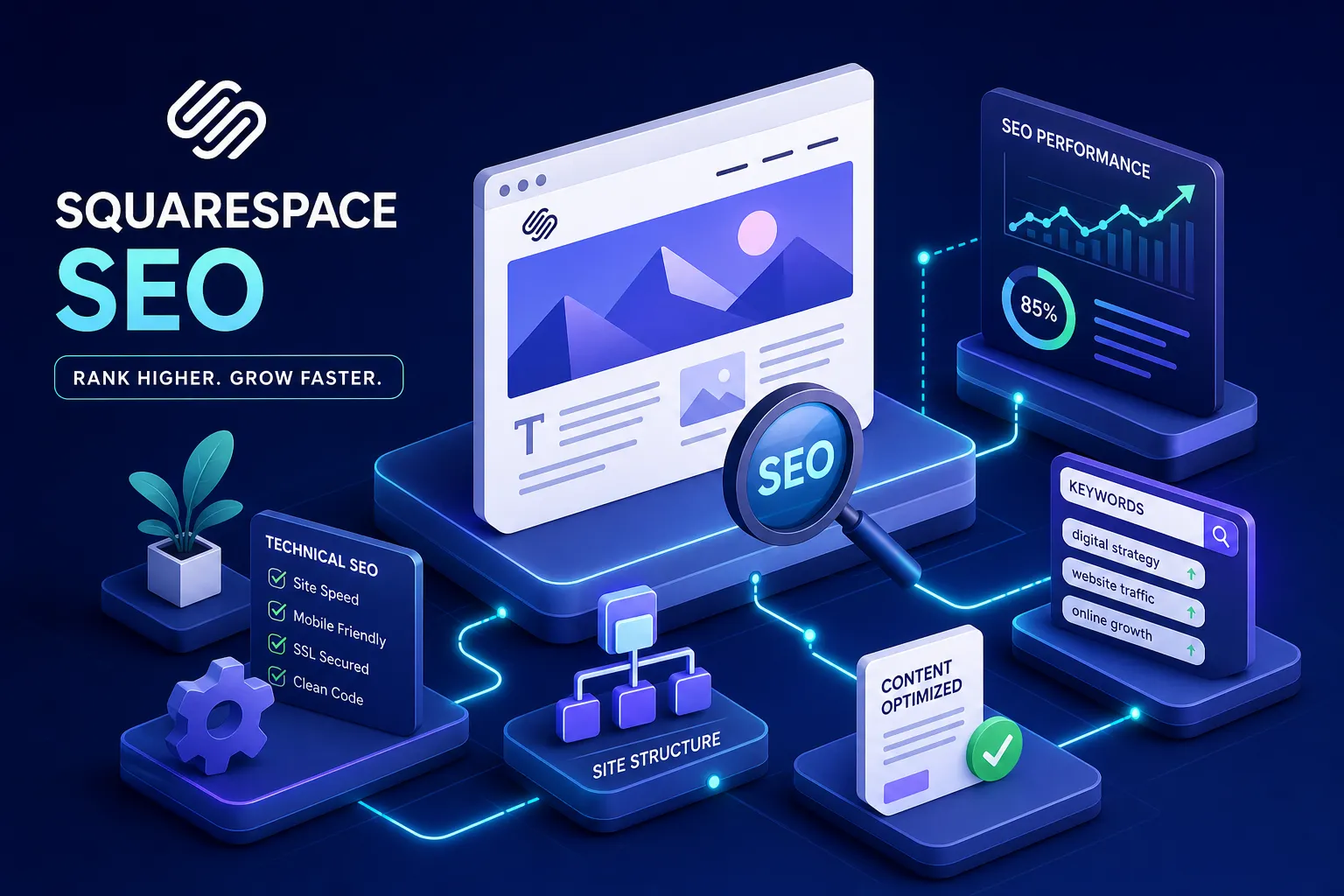
Every Squarespace site automatically generates an XML sitemap at /sitemap.xml, issues a free SSL certificate, renders pages server-side for clean crawler access, and applies mobile-responsive templates. These aren’t features you configure; they’re on by default. Each one matters: HTTPS is considered a lightweight ranking factor by Google, mobile responsiveness affects how your pages score in Core Web Vitals, and server-side rendering means search engine bots read your content without executing JavaScript.
On-page controls you set manually
The native SEO panel gives you per-page control over your title tag, meta description, and URL slug. You can set image alt text on every uploaded file, build a proper heading hierarchy from H1 through H4, and create internal links through the text editor. These fields exist on every plan. They require intentional input, but none of them need code or a developer to configure.
Where local SEO fits natively
You can build location-specific service pages, weave local keywords into your meta fields and body copy, and embed a Google Map via a code block. What you can’t automate is NAP consistency: your business name, address, and phone number need to match exactly across your site, your Google Business Profile, and every directory listing. That discipline is manual, and it’s where most local businesses quietly lose ranking ground.
Where Squarespace SEO hits its ceiling
Squarespace is honest in its limitations if you know where to look. These constraints aren’t deal-breakers for every business, but they become real problems the moment you’re competing against established sites on page one.
The schema markup wall
Squarespace auto-generates a handful of basic schemas: Article for blog posts, Product for store items, and WebSite and Organization on the homepage. (Depending on your page type, Event and LocalBusiness schemas may also be generated automatically.) That’s where the native control ends. You cannot add or edit custom schemas like FAQPage, Service, or HowTo without injecting JSON-LD manually via Code Injection, which is locked to Business plans and above. Without custom schema in place, many Squarespace sites are ineligible for certain rich result types, use Google’s Rich Results Test to confirm which of your pages currently qualify.
Page speed controls you don’t fully own
Squarespace controls roughly 70% of the speed levers on your site. Default templates ship with heavy hero images that frequently produce poor Largest Contentful Paint scores, and the platform’s Fluid Engine generates deep DOM nesting that adds page weight. You can compress images and select a lighter template, but you can’t touch server-level caching or manage third-party script loading the way you could on a self-hosted platform.
Robots.txt and canonical tag rigidity
You cannot directly edit your robots.txt file. Canonical tags are handled automatically through domain redirects, with no manual override available at the page level. For sites with duplicate content issues or complex URL structures, this is a genuine ranking risk. There’s no native fix, which means the workaround always involves code injection or accepting the platform’s default behavior.
Squarespace SEO services: DIY or hire an expert?
The right answer depends on your market, your available time, and where your current rankings stand. It’s a practical resource question with a straightforward decision framework.
Signs you can handle it yourself
If your business serves a low-competition local niche and you’re comfortable writing content and filling in meta fields, you can build solid organic visibility using Squarespace’s native tools. Submit your sitemap to Google Search Console, optimize every page’s title and meta description around a specific search query, write content that answers the questions your customers actually type, and build logical internal links across your pages. That’s a complete DIY foundation for low-difficulty markets. Bear in mind that even a modest effort takes consistent time each month, most small business owners find that SEO maintenance competes directly with billable work once the initial setup is done.
When professional Squarespace optimization services make sense
If you’re in a market where established sites already hold page one, or you need schema markup for rich results, it’s time to bring in a professional. The same applies if your audit surfaces technical problems you can’t fix without code, or you simply don’t have consistent time to manage the work. Hiring a Squarespace SEO expert pays off faster than grinding through it yourself when the barrier is platform constraints rather than effort. The real cost of DIY isn’t the learning curve; it’s the months of organic traffic you miss while you’re working through it.
What Squarespace SEO services cost in 2026
Pricing in this market is wide-ranging, but the data clusters into recognizable tiers. Knowing the ranges before you contact an agency keeps the conversation grounded.
Monthly retainer tiers and what each covers
Most professional Squarespace SEO agencies structure ongoing work into three bands:
- Entry-level ($700, $1,500/month): Local SEO focus, Google Business Profile management, keyword tracking, basic on-page updates, and monthly reporting.
- Growth tier ($1,500, $3,500/month): Ongoing content creation, technical SEO oversight, schema implementation via code injection, and backlink building.
- Competitive/national ($3,500, $7,500+/month): Full-service strategy for high-competition markets, digital PR, deep technical audits, and advanced reporting.
Industry survey data puts the median retainer for small business SEO in the U.S. at roughly $1,497 per month. For Squarespace-specific engagements, the realistic floor for work that actually moves rankings starts around $700, $900 per month, with $1,500 to $2,500 being the range where consistent growth becomes the expectation rather than the exception.
One-time project pricing
A standalone SEO audit runs $500 to $1,500 and covers technical diagnostics, on-page review, keyword gap analysis, and a prioritized fix list. Foundational setup projects, where an agency configures Search Console, optimizes all meta fields, implements schema, and establishes analytics tracking, typically run $1,500 to $3,000. If your site needs a redesign with SEO architecture built in from the start, expect $3,000 to $7,500 or higher depending on site size and complexity.
What you should actually get for your investment
Whether you’re on a retainer or a fixed project, a legitimate agency should deliver keyword research, on-page optimization for every target page, Search Console setup and verification, schema implementation with validation through Google’s Rich Results Test, and monthly reporting that shows actual keyword ranking movements. If a provider can’t tell you what they’re doing each month and how they’re measuring it, that’s the clearest red flag in this industry.
A 10-point Squarespace SEO audit you can run today
This checklist gives you a real picture of where your site stands. Run it before you contact any agency, the results will show you which tier of help you actually need.
5 technical checks
- Confirm your site is connected to Google Search Console and your sitemap has been submitted at
/sitemap.xml. - Check that every page you want to rank is not set to “Hide from search engines” inside Page Settings.
- Run your homepage through PageSpeed Insights and flag any Largest Contentful Paint score above 2.5 seconds.
- Verify SSL is active by navigating to Settings, then Developer Tools, then SSL.
- Check for broken internal links and any pages returning 404 errors using a free crawler like Screaming Frog’s free tier.
5 on-page and content checks
- Every page has a unique title tag, aim for 50, 60 characters, that includes a specific keyword phrase your customers search.
- Every page has a written meta description; don’t leave Squarespace to auto-generate it from your first paragraph.
- No two pages are targeting the same primary keyword; run a cannibalization check by searching
site:yourdomain.com "target keyword"in Google. - Every image has a descriptive alt text, not a file name like IMG_4521.jpg or a generic label like “photo.”
- Your top service or product pages have at least 500 words of structured, substantive content that addresses the reader’s actual question.
How to choose the right Squarespace SEO agency
The agency market for platform-specific SEO is noisy. These signals help you separate the legitimate options from the ones that will take your retainer and deliver a monthly PDF of keyword rankings you never asked for.
Green flags in a legitimate agency
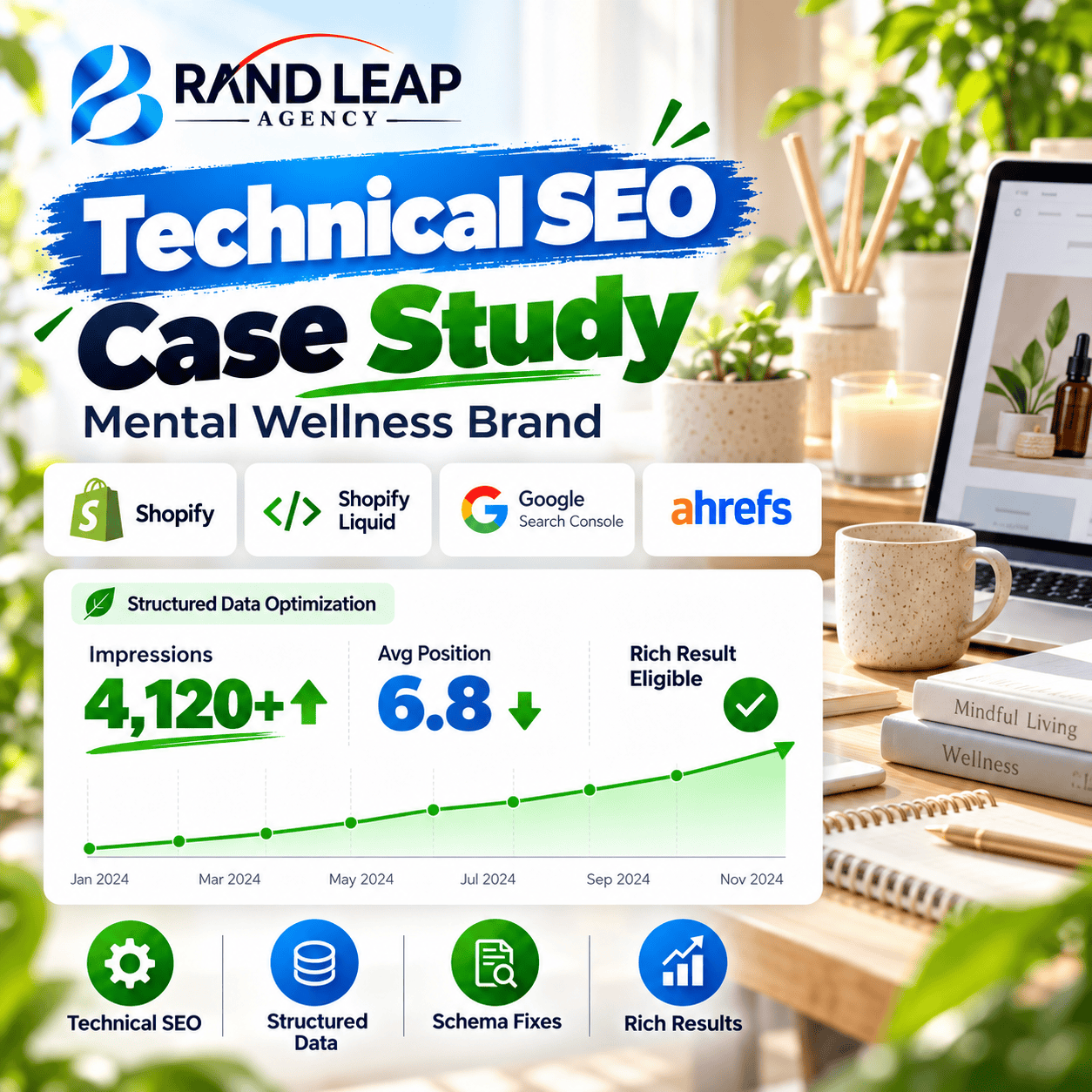
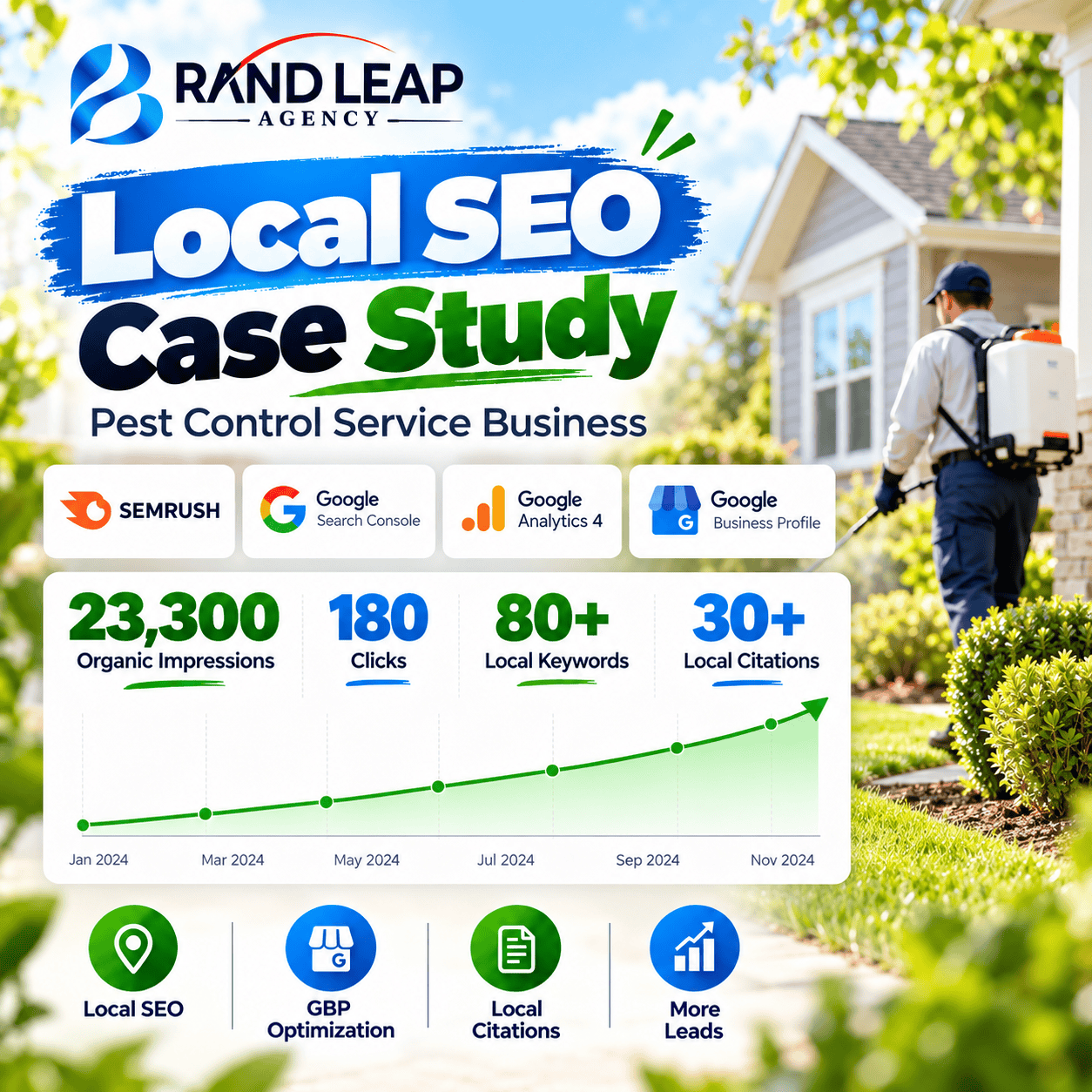
A trustworthy agency should run a real audit of your current site before you sign anything and share findings you can verify independently. They should provide documented case studies with actual traffic or ranking data, not just testimonials. They should explain in plain terms what they’ll do each month, what tool they’re using to track rankings, and what success looks like at 90 days. Any agency that guarantees specific ranking positions is misleading you; rankings are influenced by factors no agency fully controls.
Red flags that signal a bad hire
Walk away from vague deliverables like “we improve your SEO,” lock-in contracts with no performance reporting, and pricing so low it can only mean outsourced link schemes or auto-generated content. Also be skeptical of agencies that have never actually worked inside a Squarespace site. The platform’s code injection workflows, template limitations, and crawl behavior are specific enough that hands-on experience with the platform matters.
Why Brandleap works for small businesses that need more
For businesses that have hit Squarespace’s native ceiling, Brandleap Agency delivers the technical SEO depth the platform can’t provide on its own. That includes semantic SEO strategy, schema implementation via code injection, full audit-to-execution workflows, and monthly reporting built around metrics that actually reflect ranking progress. Pricing is structured for small business budgets, not enterprise contracts, so you get advanced Squarespace SEO services without the agency overhead that typically puts that level of strategy out of reach.
Frequently asked questions about Squarespace SEO services
What do Squarespace SEO services typically include?
Most Squarespace SEO services cover a technical audit, on-page optimization (title tags, meta descriptions, heading structure), schema implementation via code injection, Google Search Console setup, and monthly reporting on keyword rankings and organic traffic trends.
Is Squarespace good enough for SEO without hiring an agency?
For low-competition local markets, Squarespace’s built-in tools, XML sitemaps, SSL, mobile-responsive templates, and editable meta fields, are enough to build solid visibility. In competitive markets, platform constraints around schema markup, canonical tags, and page speed typically require professional help to overcome.
How much do Squarespace SEO services cost per month?
Quality Squarespace SEO services for small businesses generally start around $700, $900 per month for local-focused work, with growth-tier retainers running $1,500, $3,500 per month. One-time audit and setup projects range from $500 to $3,000 depending on scope.
How long does it take to see results from Squarespace SEO?
Most Squarespace SEO campaigns show measurable ranking movement within three to six months, with significant organic traffic growth typically appearing in the six-to-twelve-month window. Timelines vary by market competitiveness, domain authority, and how aggressively new content is published.
Can I do Squarespace SEO myself?
Yes, for low-difficulty markets. Submitting your sitemap, writing optimized title tags and meta descriptions, building internal links, and publishing substantive content are all tasks you can handle inside Squarespace’s native tools. Schema markup, technical fixes, and competitive content strategies generally require a specialist.
Take the next step
Squarespace gives you a strong foundation: clean HTML, mobile-ready design, automatic sitemaps, and the on-page controls you need to compete in low-difficulty markets. The gap opens in competitive ones, where schema markup, speed optimization, and content authority become the actual ranking factors. Your first move is running the 10-point audit above and documenting what you find.
If the results surface schema gaps, thin content, speed failures, or a backlink profile that’s essentially empty, that’s the signal to bring in dedicated Squarespace SEO services rather than trying to patch platform constraints on your own. The audit defines the problem. What remains is a straightforward trade-off: handle the fixes yourself or redirect that energy to your business and let a specialist manage rankings.
If you’re ready to move past the DIY stage, Brandleap Agency offers Squarespace-specific SEO engagements built around the audit-first approach. Get in touch to start with a full technical review of your site before you commit to anything.