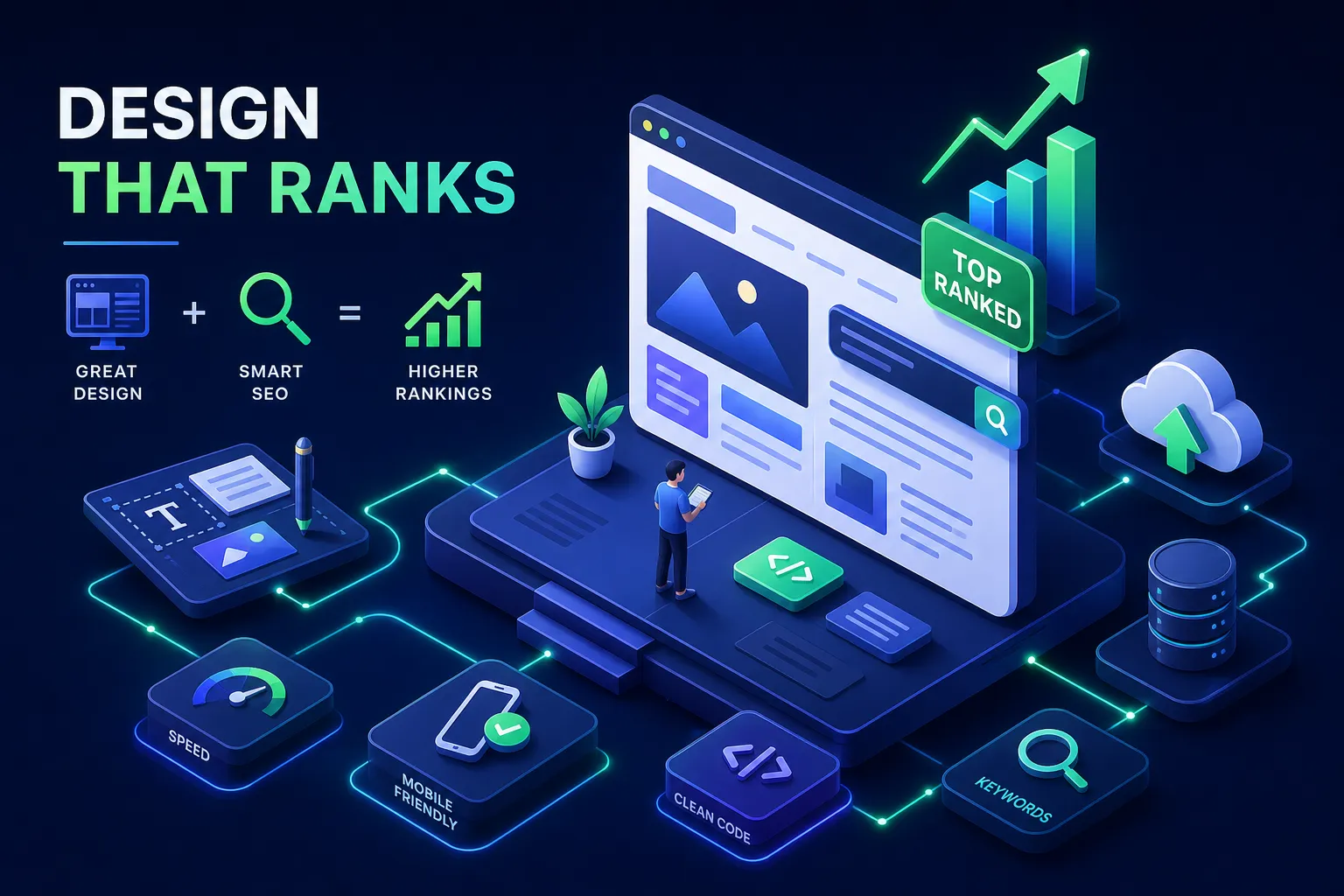
Most businesses treat website design and SEO as two separate projects. The design team builds something beautiful, hands it off to a developer, and then an SEO specialist gets called in after launch to “optimize” whatever landed on the server. By that point, the structural damage is already done. Google’s own data shows that sites passing Core Web Vitals tend to rank higher than those that don’t, yet the vast majority of design briefs never mention a single performance threshold.
Every major design decision, from how your navigation is structured to which JavaScript framework your developer prefers, is also an SEO decision. Businesses that don’t understand this connection end up paying twice: once for a website, and again to fix what that website broke in organic search. An SEO-friendly web design isn’t a layer you apply after launch. It’s a foundation you build from the first wireframe.
At Brandleap Agency, the first thing our team reviews in any new client engagement is the site’s design architecture. That’s where most organic visibility problems originate. This guide gives you the framework to prevent those problems before they happen.
Why site architecture and SEO go hand in hand before a single word is written
Search engines understand hierarchy. Your navigation, URL structure, and page organization communicate that hierarchy to Googlebot before any content is evaluated. Poor site architecture means crawlers can’t efficiently reach or prioritize your most important pages, no matter how strong the writing is.
How search engines use architecture to decide what matters
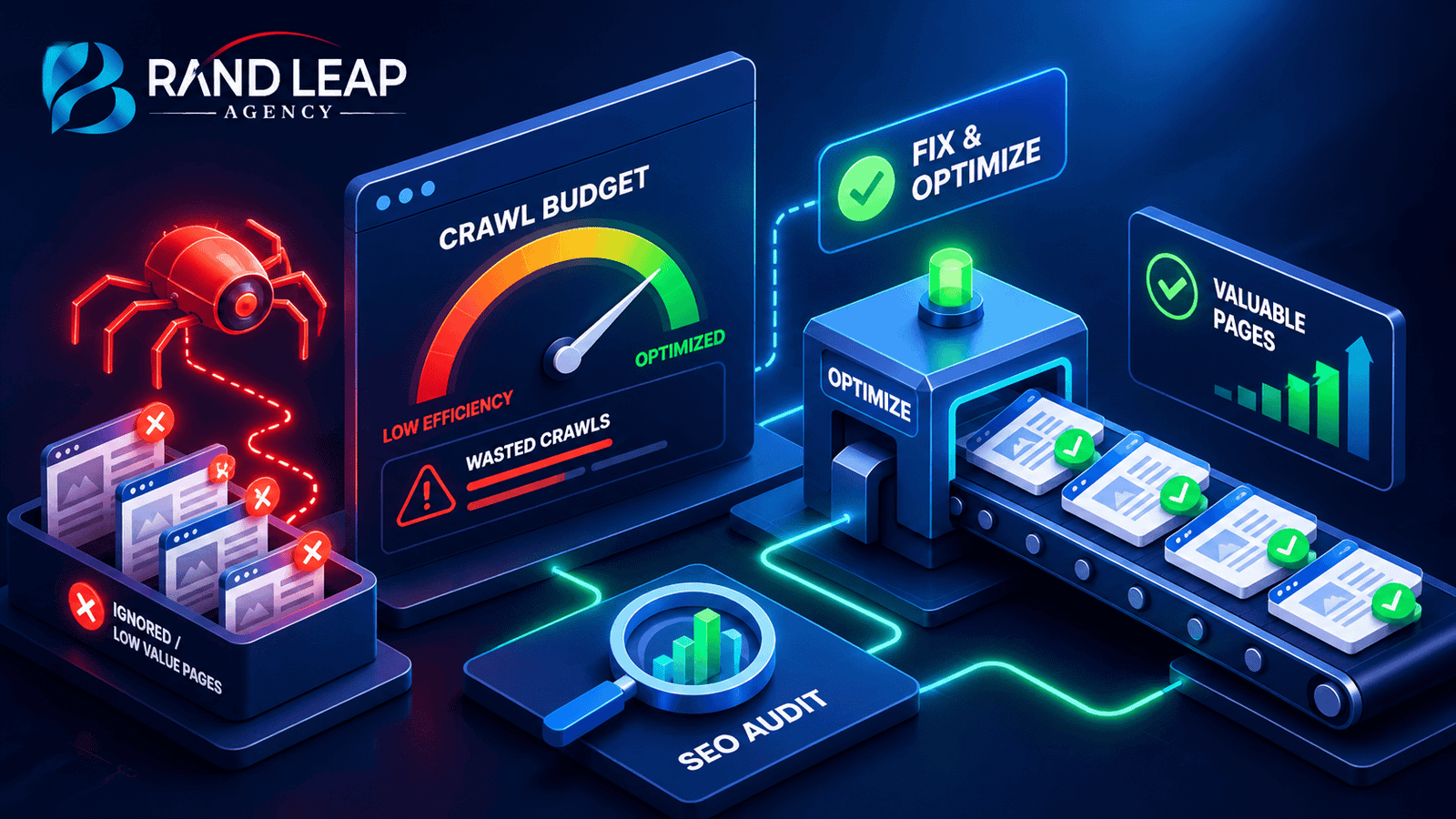
Googlebot discovers pages through links, not magic. Pages buried deep in navigation or linked from only one other page receive less crawl budget and accumulate less authority. The general principle: pages within three clicks of your homepage rank more easily than pages six or more clicks deep. Flat architectures, where important pages are accessible in one or two clicks, consistently outperform deep, complex hierarchies for organic visibility.
JavaScript frameworks and the crawling problem designers don’t expect
When a site relies heavily on JavaScript to load content through client-side rendering, search engine crawlers often see an empty shell until the script renders. That rendering process is slow and resource-intensive, and Google sometimes skips it entirely for lower-authority sites. Server-side rendering solves this directly: you can build a beautiful React site that Google can barely read, or you can build one Google rewards. This is a technical SEO and web development decision that belongs in the design brief, not a post-launch conversation. For a developer-focused walkthrough of how Googlebot crawls, renders, and indexes JavaScript, consult this guide.
The staging-to-production mistake that kills organic traffic
One of the most common and devastating launch mistakes is going live with “discourage search engines” still checked or noindex tags left over from the development environment. Recovery from this isn’t instant. Rebuilding crawl coverage after a site sits deindexed for weeks can take months. This check belongs on every launch-day protocol, not just the developer’s mental checklist.
Website Design and SEO: Core Web Vitals Thresholds Your Site Must Hit in 2026
These are ranking factors, not optional benchmarks. Google uses real user data from the Chrome User Experience Report to score your pages, and every threshold must pass simultaneously at the 75th percentile of actual visits.
The three metrics Google uses to score page experience
Largest Contentful Paint (LCP) must be 2.5 seconds or under. This measures how fast the main content appears on screen. Interaction to Next Paint (INP) must be 200 milliseconds or under, which measures how responsive the page feels when a user interacts with it. Cumulative Layout Shift (CLS) must be 0.1 or under, measuring whether page elements jump around as the page loads. All three must pass at the same time. Passing two out of three still means your page fails Core Web Vitals entirely. For an in-depth look at what’s changed for Core Web Vitals in 2026 and how to pass them, see this Core Web Vitals 2026 guide.
Design decisions that kill your scores before users arrive
Unoptimized hero images are the leading cause of poor LCP scores. Heavy third-party scripts and complex animations destroy INP by blocking the browser’s main thread. Fonts, ad units, and embeds that load without reserved space cause the layout shifts that tank CLS. Every aesthetic choice carries a measurable performance consequence. When a designer specifies a full-viewport video background or a JavaScript-animated header, those decisions need to be evaluated against these specific thresholds before a single line of code is written.
Mobile-first web design, SEO, and the image decisions that affect how Google reads your site
Google indexes the mobile version of your site and uses that data to rank you everywhere, including on desktop. This isn’t a mobile-specific ranking factor; it’s the primary ranking signal for your entire site. If your mobile layout hides content, compresses navigation into something nonfunctional, or delivers a different content experience than desktop, those decisions affect how your whole site ranks.
What mobile-first indexing actually means for your layout choices
Responsive design is the standard Google grades you on, not a feature to add if the client requests it. Content hidden behind tabs or accordions on mobile but visible on desktop may not receive full SEO credit. To test whether Google is reading that hidden content, pull your page’s cached version in Search Console and compare what’s indexed against what’s visible in your desktop layout. If your mobile experience compresses navigation into an off-canvas menu that doesn’t render properly, that’s what Google sees when it decides how to rank your pages.
Image formats, lazy loading, and responsive images done right
Three practical decisions move the needle here. First, use WebP as your default image format. It delivers 25 to 35 percent smaller files than JPEG with near-universal browser support, directly improving LCP scores without visible quality loss. For performance-critical, image-heavy pages, serve AVIF to modern browsers using the srcset attribute so mobile users receive appropriately sized images automatically, reducing page weight and preventing layout shifts on smaller screens. For a practical comparison of when to use AVIF versus WebP, see this WebP vs AVIF guide.
How navigation and internal linking distribute your site’s ranking authority
Internal links are SEO assets. Every link from one page to another passes authority, and your navigation design directly controls how that authority flows through the site. Most businesses underestimate how much ranking potential gets wasted through poor link architecture.
How website design and SEO shape navigation and internal linking
Your primary navigation links pass the most authority because they appear on every page of your site. When you bury a high-value service page three levels deep in a dropdown, you’re starving it of the link authority it needs to compete in search results. Your navigation should serve both users and Google crawlers equally. Pages that are one or two clicks from the homepage accumulate authority faster and rank more consistently than pages only accessible through nested menus.
Breadcrumbs, anchor text, and what “click here” is costing you
Breadcrumbs serve two purposes: they help users understand where they are on the site, and they create additional internal links with keyword-rich anchor text. That anchor text, the clickable words in a link, tells Google what the destination page is about. Vague anchor text like “click here” or “learn more” wastes the opportunity entirely. Specific, descriptive anchor text like “local SEO strategy for small businesses” is a quiet but consistent ranking signal that compounds across hundreds of internal links over time.
The designer-to-SEO handoff checklist to use before launch
The most expensive design-SEO mistakes are the ones caught after a site goes live, because fixing them requires developer time, redirect chains, and re-indexing delays. This checklist, built around the principles of on-page SEO for designers, prevents the most common ones. For a practical design handoff workflow you can adopt immediately, review this design handoff checklist.
What to confirm before a single line of code is written
Pre-build alignment should cover four areas. First, page titles and meta descriptions should be annotated directly on wireframes so developers aren’t guessing. Second, the H1 through H6 heading hierarchy should be documented in the design file, not decided during development. Third, a sitemap should be created and shared with the SEO lead before architecture decisions are locked. Fourth, URL structure, including slug naming conventions, should be agreed on before development begins. Changing URL structure after launch means building a redirect chain and waiting for Google to re-process every affected page.
Redirects, tracking, and the launch-day checklist
The final handoff needs four things confirmed before a site goes live. A 301 redirect spreadsheet should map every old URL to its new destination, preserving the authority those pages accumulated. Google Analytics and Search Console must be installed, verified, and tested. Structured data, or schema markup, should be confirmed for key page types including service pages, blog posts, and any location pages. Finally, run a full crawl using a tool like Screaming Frog before flipping the switch. Sites that follow this process recover rankings far faster after a redesign than those that don’t, the difference can mean months of lost visibility versus a smooth transition.
How to measure whether your design changes are actually moving rankings
Design improvements need to connect to measurable organic outcomes. Without a measurement framework, you can’t distinguish between a design decision that helped your rankings and one that quietly hurt them.
The metrics that connect design quality to search performance
After launch, watch three data sources in Google Search Console. Core Web Vitals scores in the field data report, not lab scores, show how real users experience your pages. The Performance report shows organic impressions, clicks, and average position for target keywords. The Coverage report shows how many of your submitted pages are actually indexed versus how many are excluded. These three signals together show whether your design is accelerating or limiting your organic growth.
When to run a design-SEO audit and what it should cover
Schedule a structured audit at three points: before any redesign begins, six weeks after launch, and annually. A thorough audit examines site architecture, crawlability, mobile page speed, internal link distribution, and metadata quality across all page templates. This is exactly the type of audit Brandleap Agency runs for new clients: mapping design decisions against organic performance to identify precisely where growth is being left on the table. The findings from a pre-redesign audit alone typically prevent the most costly post-launch recovery work. You can also read deeper process notes and case studies on the Brandleap Agency Blog | Expert Digital Marketing Insights.
Build the site right once, and let it earn
When website design and SEO are treated as a single discipline rather than two separate workflows, the results compound. Every layout choice, every image file, every navigation decision either helps or hurts your ability to rank. The good news is that addressing these issues before launch costs a fraction of what it costs to fix them after your traffic has already dropped.
Your site structure is crawled and evaluated by Google before any content is assessed. Core Web Vitals are specific, measurable targets that designers can hit when they’re part of the brief. And a structured handoff process prevents the most common launch-day mistakes from compounding into months of lost visibility. Get all three right and you’re building a genuine growth asset, not just a website.
A site built with website design and SEO working together from day one doesn’t just look good. It earns traffic consistently, converts at higher rates, and gives your broader marketing investment somewhere to land. That’s the work Brandleap Agency does for every client, and the difference between a website that sits there and one that grows. Explore our Webflow SEO Services, Brandleap Agency to see how we operationalize this approach.