
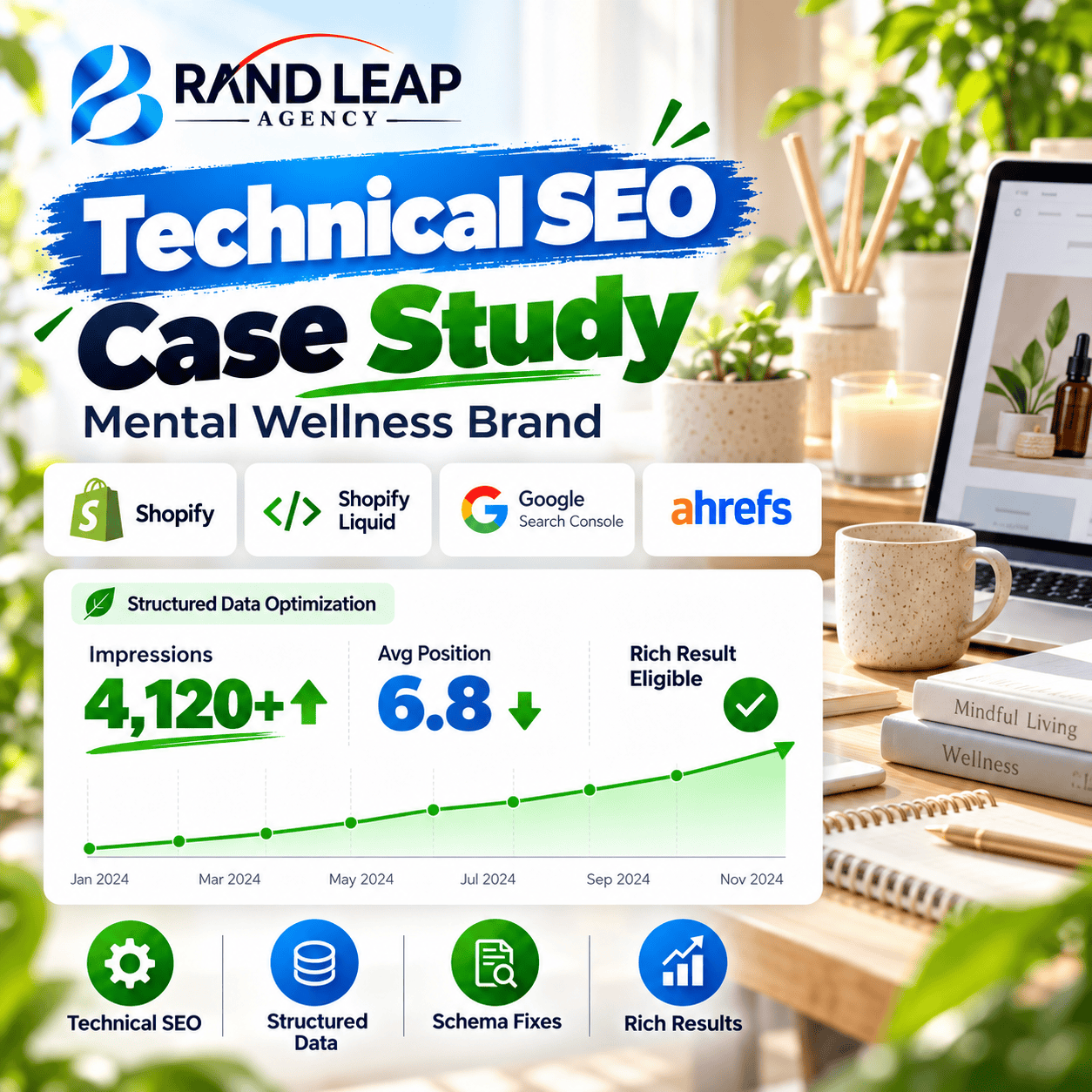
Sometimes a site does not need more content. It needs Google to understand the content it already has. Brandleaf Agency fixed structured data issues for a mental wellness brand on Shopify. In 1 month, the site reached 4,120+ impressions, a 6.8 average position, and became eligible for rich results.
Quick Results
| Detail | Info |
|---|---|
| Industry | Mental wellness, digital wellness brand |
| Platform | Shopify |
| Timeframe | 1 month |
| Impressions | 4,120+ |
| Average position | 6.8 |
| Rich results | Eligible |
About the Client
The client is a mental wellness brand that runs its website on Shopify. The brand shares wellness products and content with people who want support for their mental health.
Trust matters a lot in this space. A clear, well-presented search result helps people feel safe clicking.
What Is Schema Markup?
Schema markup is code that sits behind a web page. It tells Google what the page is about, such as a product, a business, or an article. Google can then show extra details in search results. These are called rich results.
Common examples on a Shopify store include product, organization, and breadcrumb markup.
The Challenge
Google Search Console reported structured data problems on the site. When schema has errors, Google may ignore it. That means the site can miss out on rich results, which usually stand out more than plain listings.
The brand needed to:
- Fix the structured data errors
- Make sure the markup followed Google’s rules
- Become eligible for rich results
Our Goals
- Clear structured data issues in Google Search Console
- Improve how the pages look in search
- Support better visibility and click potential
What We Did
1. Audit the Structured Data
We started in Google Search Console. It shows which pages have valid markup and which have errors or warnings. We listed each issue and ranked them by importance.
2. Find the Cause in the Theme
On Shopify, schema often comes from the theme code. The same error can repeat across many pages if the template has a mistake. Fixing the template fixes every page that uses it.
3. Fix the Markup with Shopify Liquid
Shopify uses a template language called Liquid. We edited the Liquid files to correct the schema output. Our fixes covered:
- Missing required fields
- Wrong or empty values
- Markup that did not match what was visible on the page
4. Test and Validate
After each fix, we tested the pages and checked them in Google Search Console. We used Ahrefs to keep an eye on search performance while the changes were picked up.
Tools Used
| Tool | How we used it |
|---|---|
| Shopify Liquid | Editing theme templates and schema output |
| Google Search Console | Finding errors and checking rich result status |
| Ahrefs | Tracking rankings and search visibility |
The Results
Within 1 month, the site was eligible for rich results, and it reached 4,120+ impressions with a 6.8 average position. An average position near 7 means the pages often appear on the first page of Google.
| Metric | Result |
|---|---|
| Impressions | 4,120+ |
| Average position | 6.8 |
| Rich result status | Eligible |
| Timeframe | 1 month |
Why It Worked
- We fixed the source. Editing the theme template solved the problem across many pages.
- We followed Google’s rules. Clean, valid markup gives Google no reason to ignore it.
- We checked our work. Testing after each change kept errors from coming back.
Key Takeaways
Technical fixes can move fast. This project took one month because the problem was clear and the fix was targeted. If Search Console shows structured data errors, do not wait.
Need schema help on Shopify? Brandleaf Agency can fix it.